Features
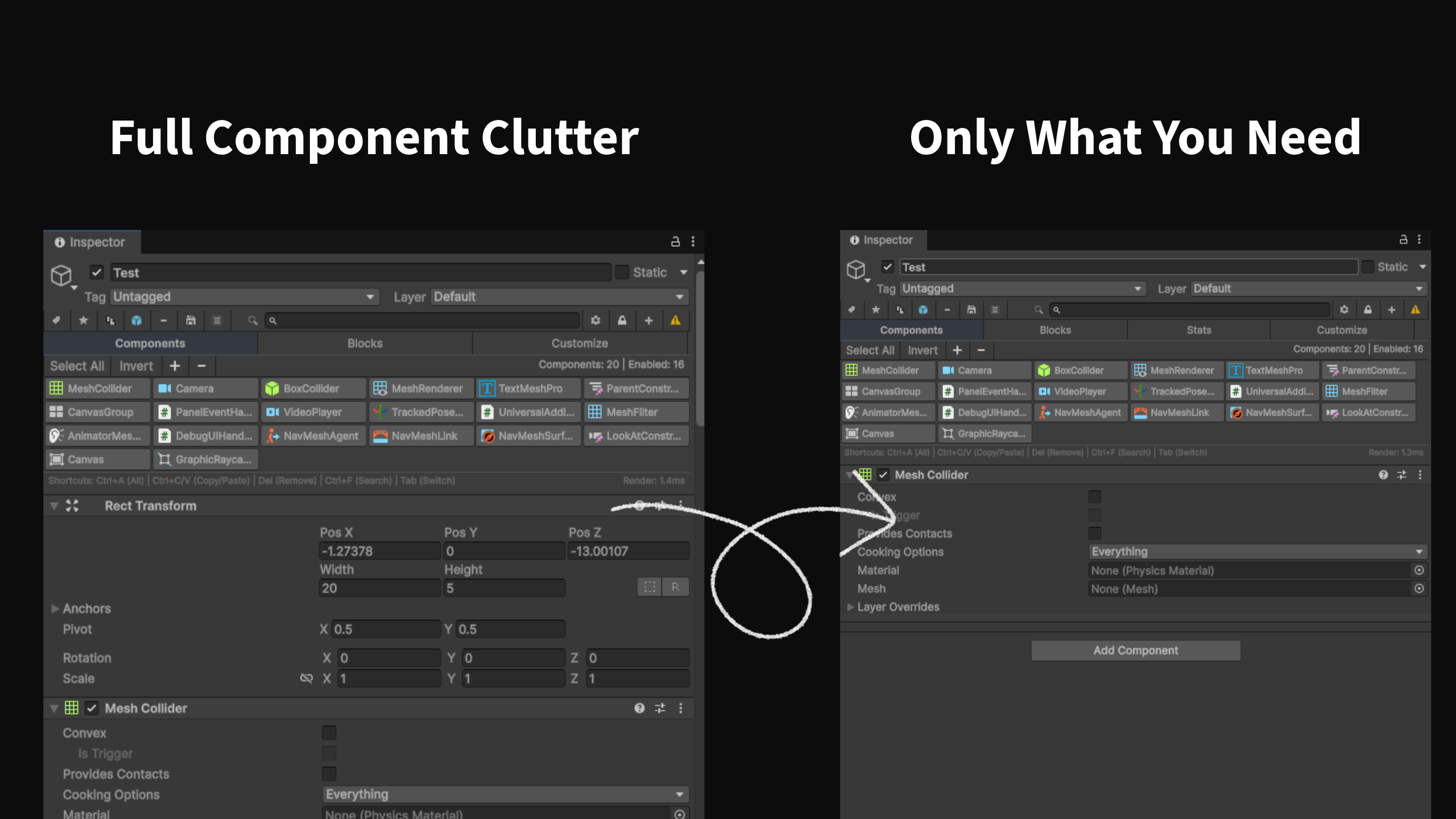
Smart Toolbar
Access all essential tools instantly from a clean, intuitive toolbar. Toggle components and manage your workflow seamlessly.

Component Favorites
Quick access to your most-used components. Add any component to favorites with a single click.
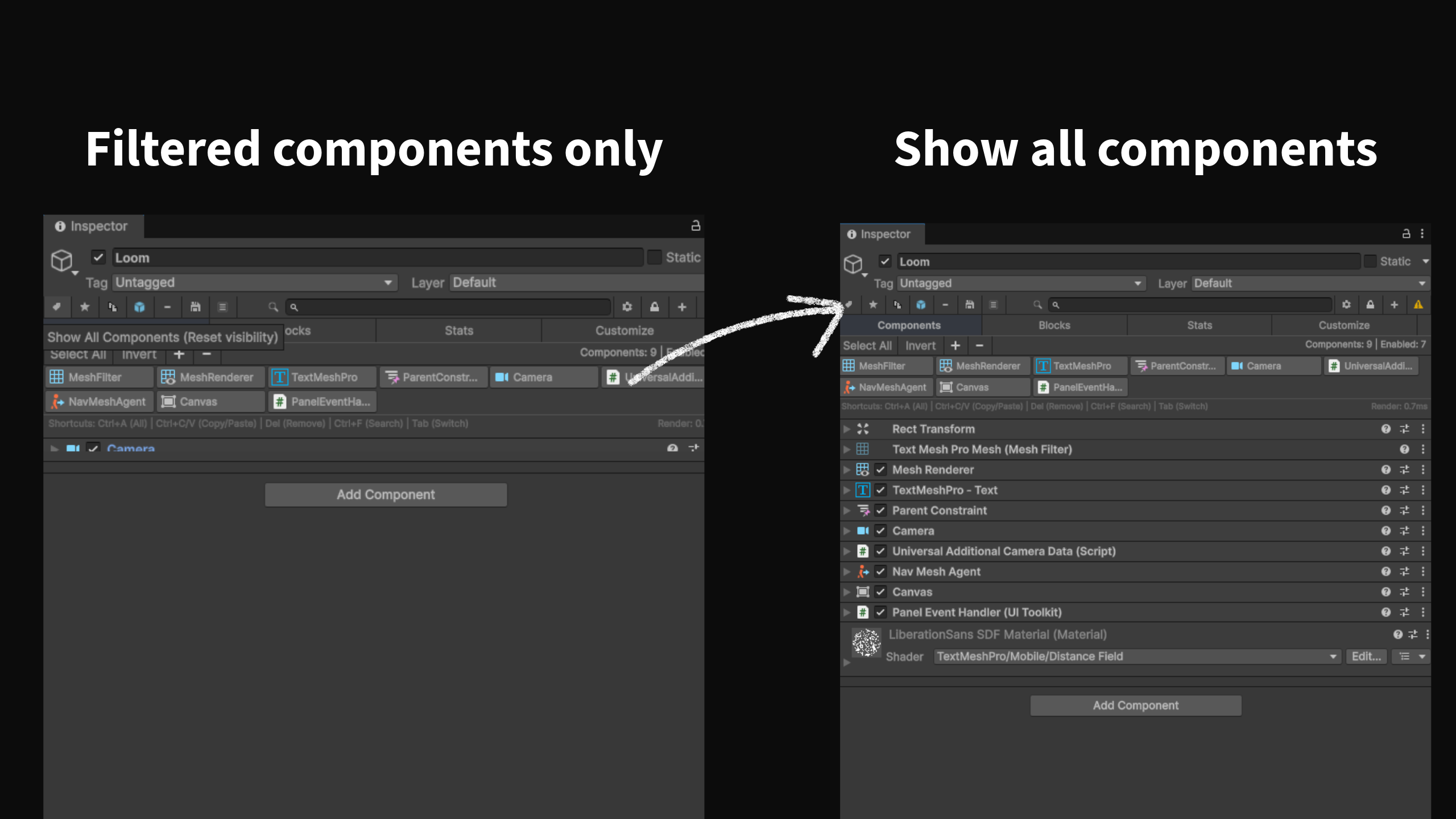
Icon Management
View all GameObject icons in one organized grid. Quickly change icons and maintain visual consistency.

Pin System
Pin important components for quick access, or collapse them into a compact sidebar for a clean workspace.
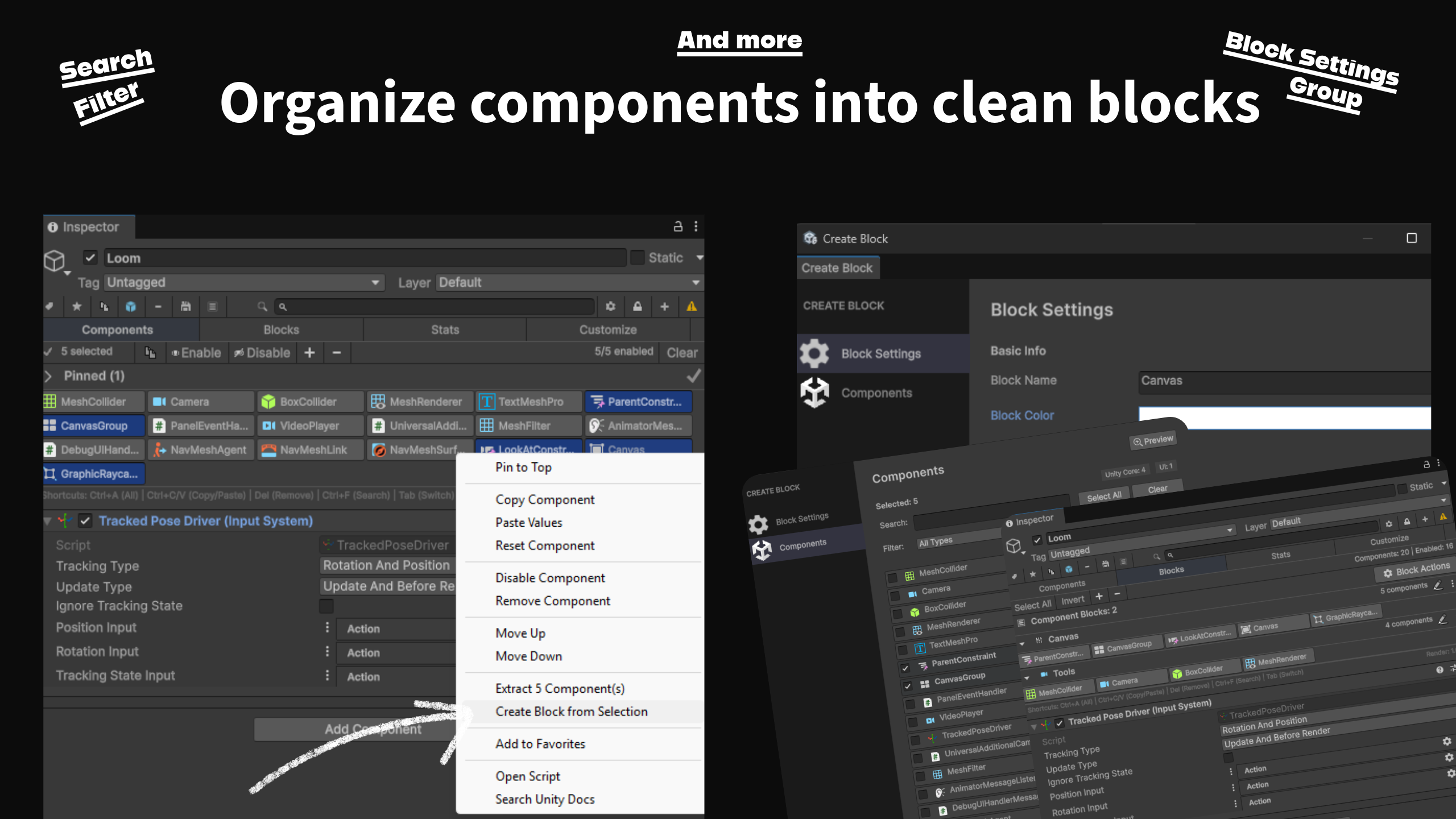
Block Grouping
Group components into customizable blocks with clean visual separation. Name and color each block.
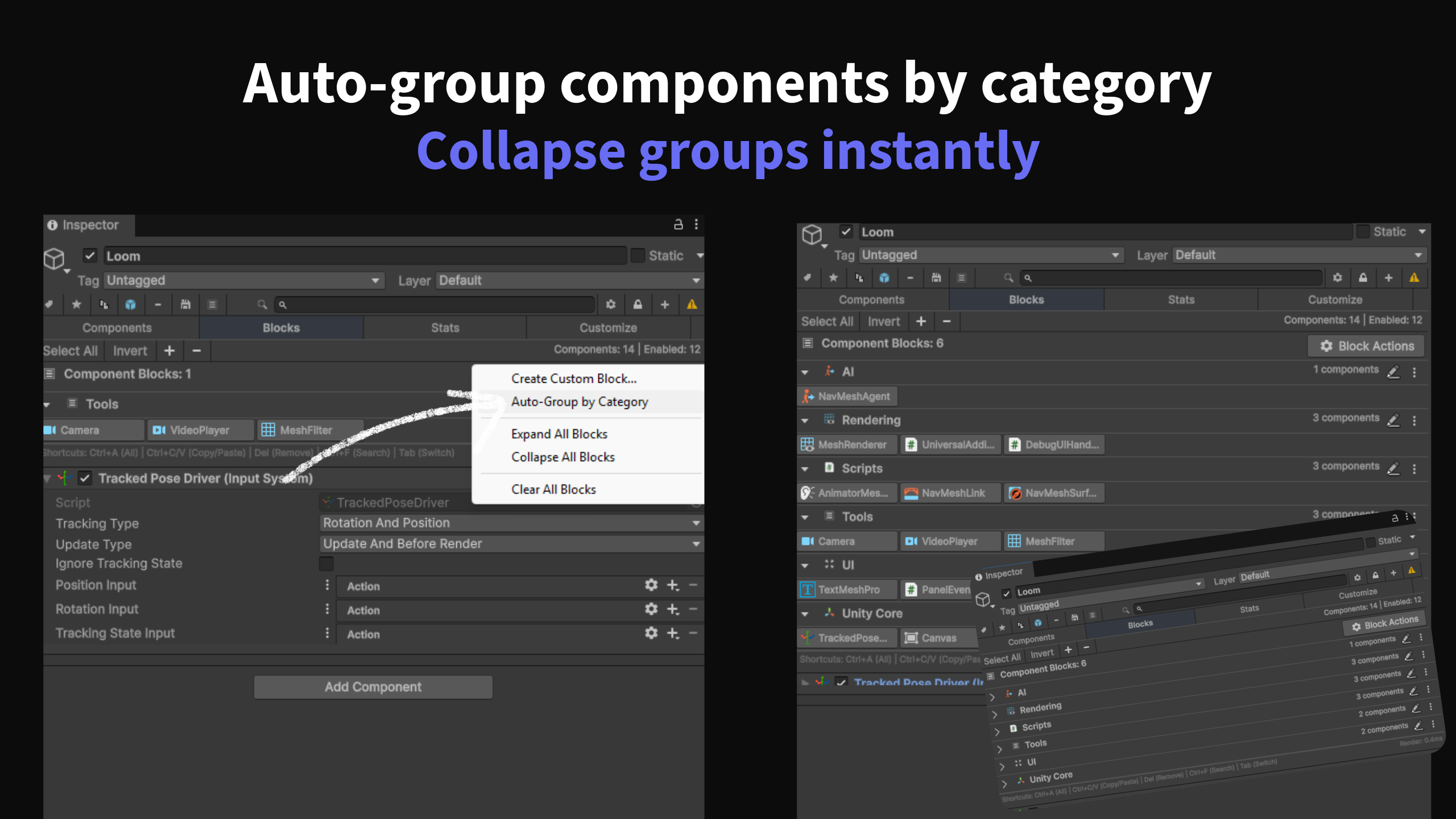
Auto Organization
Automatically organize all components into category groups. Transform chaos into clean structure.

Statistics
Get quick insights into component count, active components, and missing components at a glance.
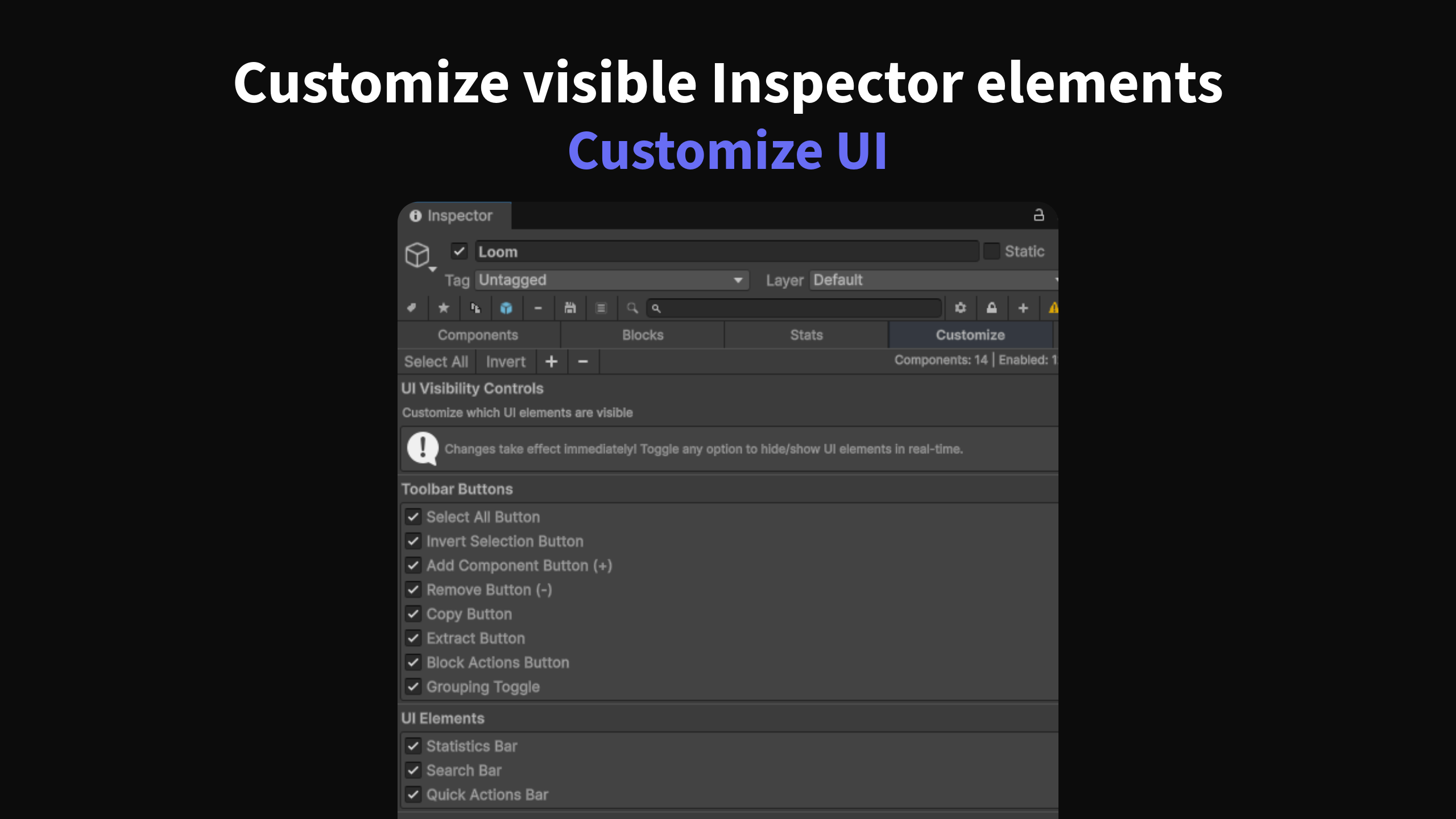
UI Customization
Show only the tools you need. Control toolbar buttons, UI elements, and statistics bars.
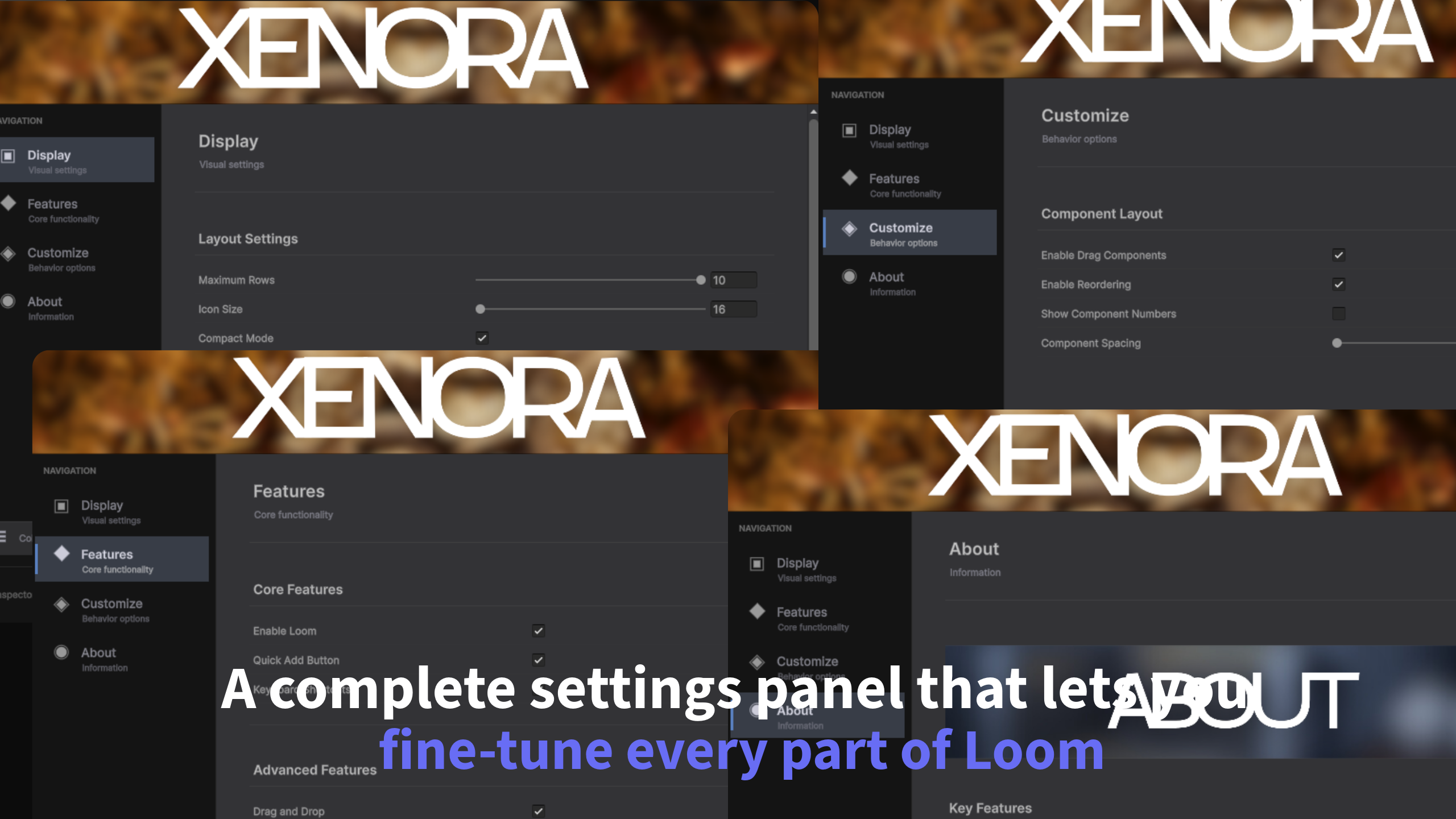
Comprehensive Settings
Full settings panel to customize everything: icon size, row count, display order, and more.
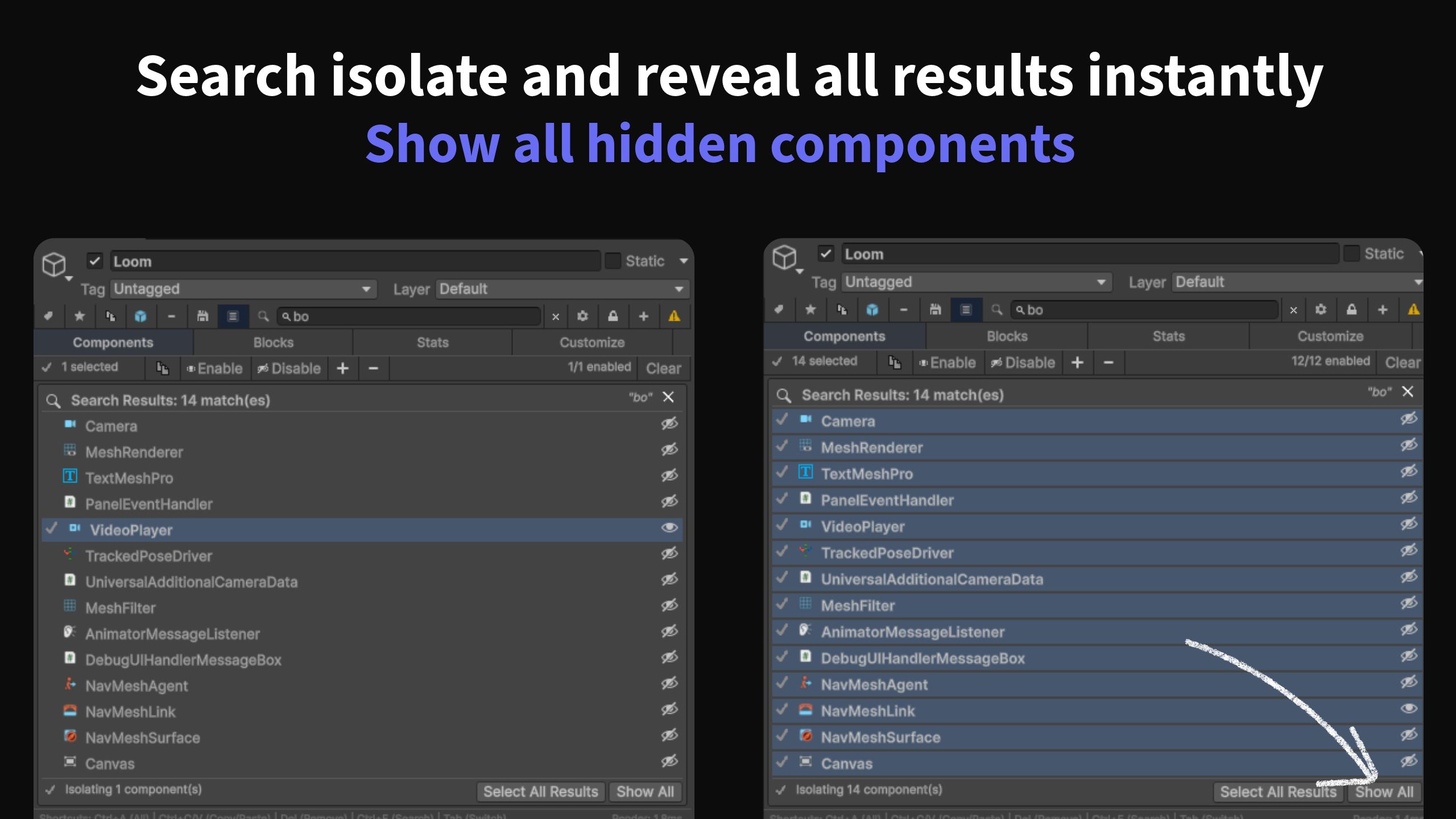
Smart Search
Search through inspector components faster than ever. Type any component name for instant results.

Smart & Organized
Automatically organize components into category-based groups. Transform your inspector today.